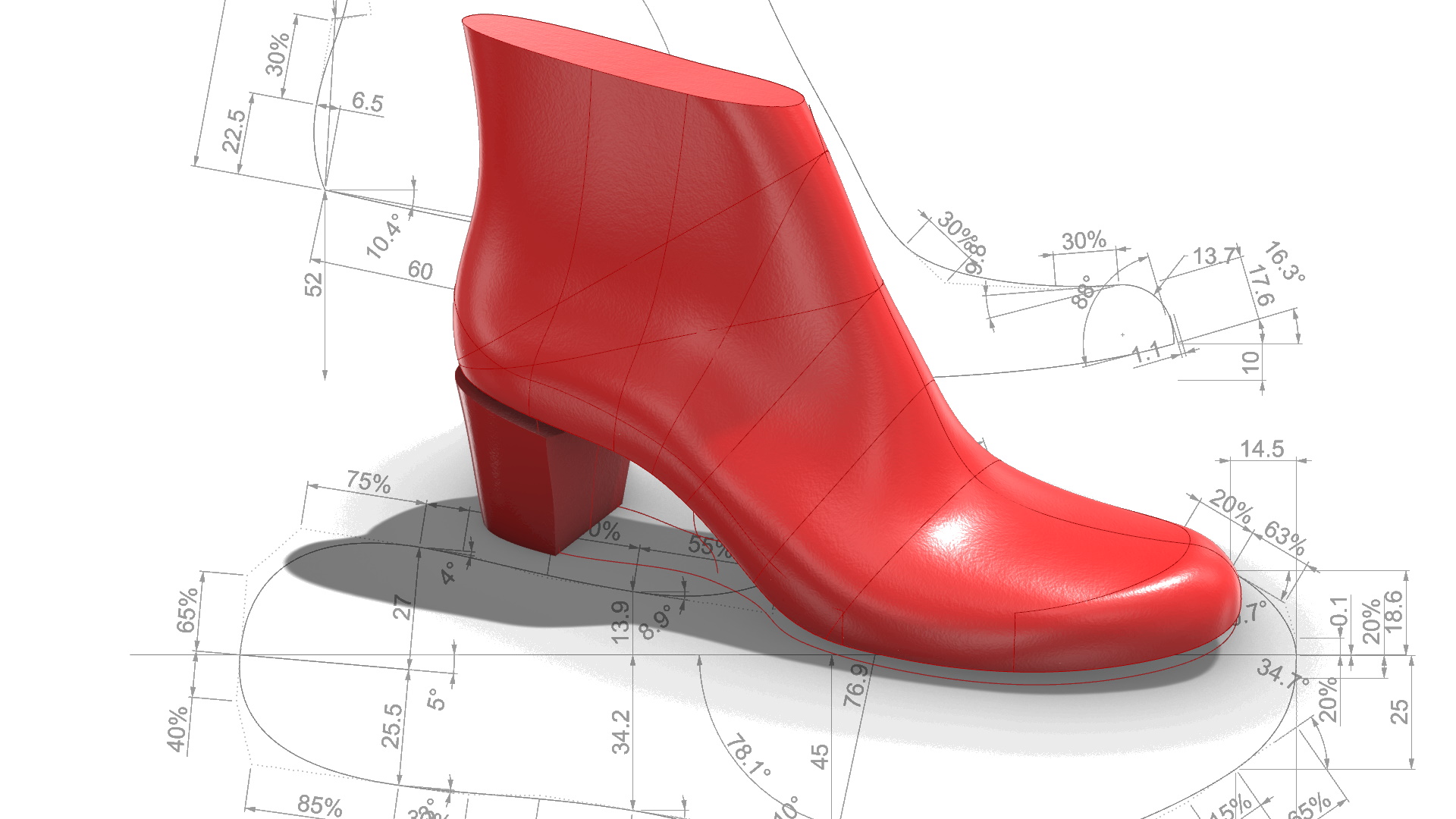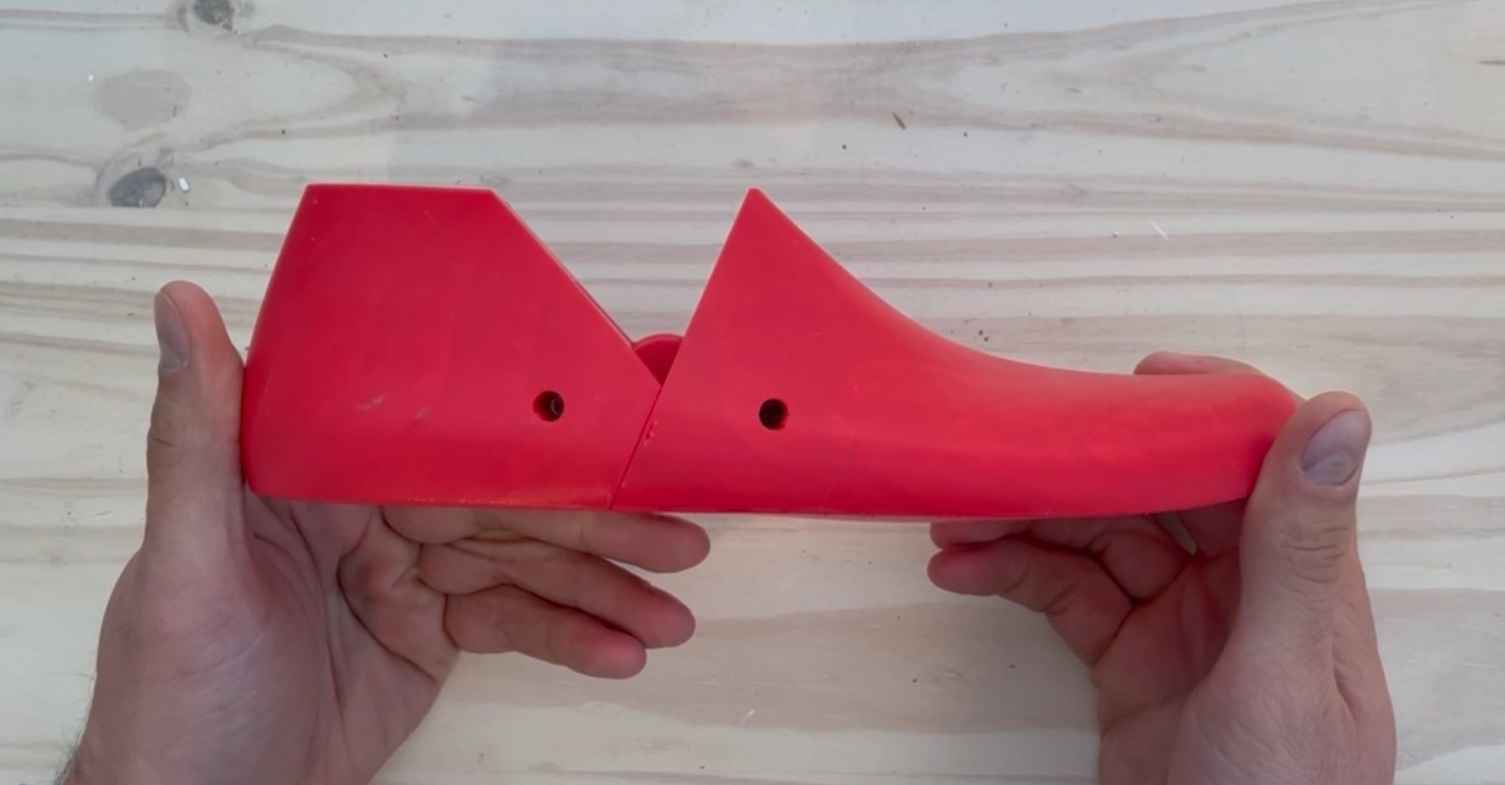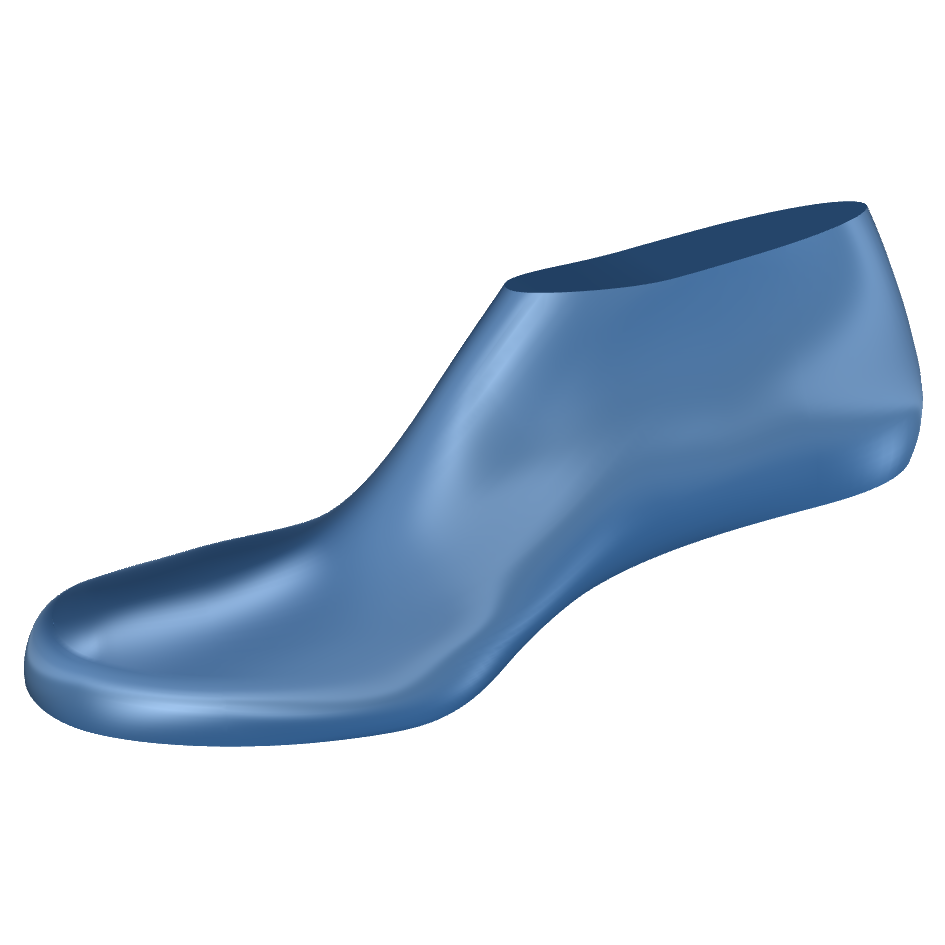
In this post, I’m introducing the new perpetual Personal Edition of the 3DShoemaker plugin for Rhino 3D, currently available for $99. It uses a new licensing model that I think strikes a good balance between affordability for hobbyists and long-term sustainability. Keep watching to see how it works.
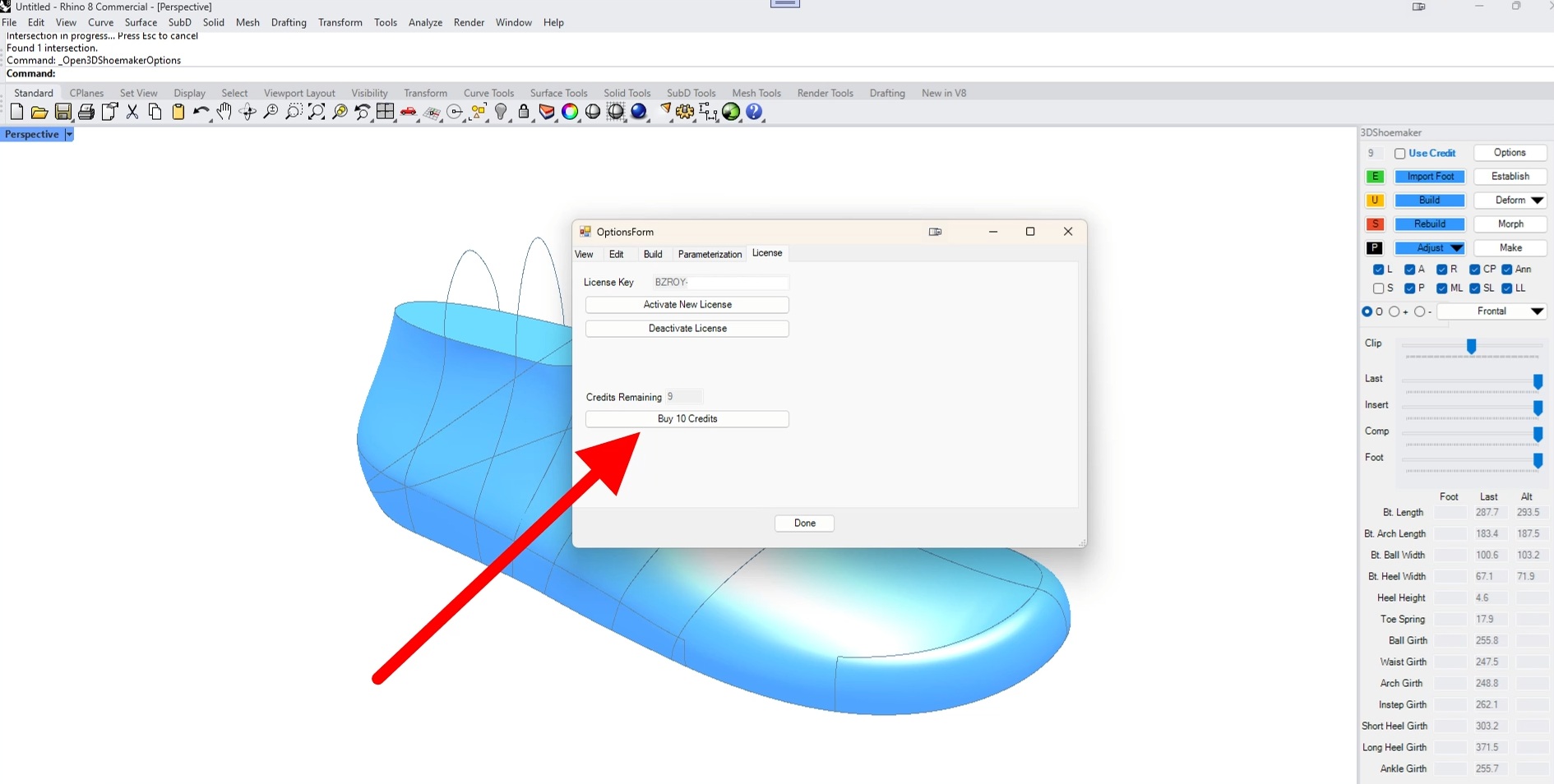
As a hobbyist myself, I’ve always wanted there to be a full-featured yet affordable version of 3DShoemaker that other hobbyists could use. But it also needs to be designed so businesses don’t simply switch to it. So what I’ve come up with is a Credit system tied to the number of unique projects that are worked on, as I think this is one of the main things that differentiates hobbyist and business users. This Credit system is instead of any kind of subscription, meaning hobbyists can take all the time they want with their projects without worrying about incurring any additional costs.
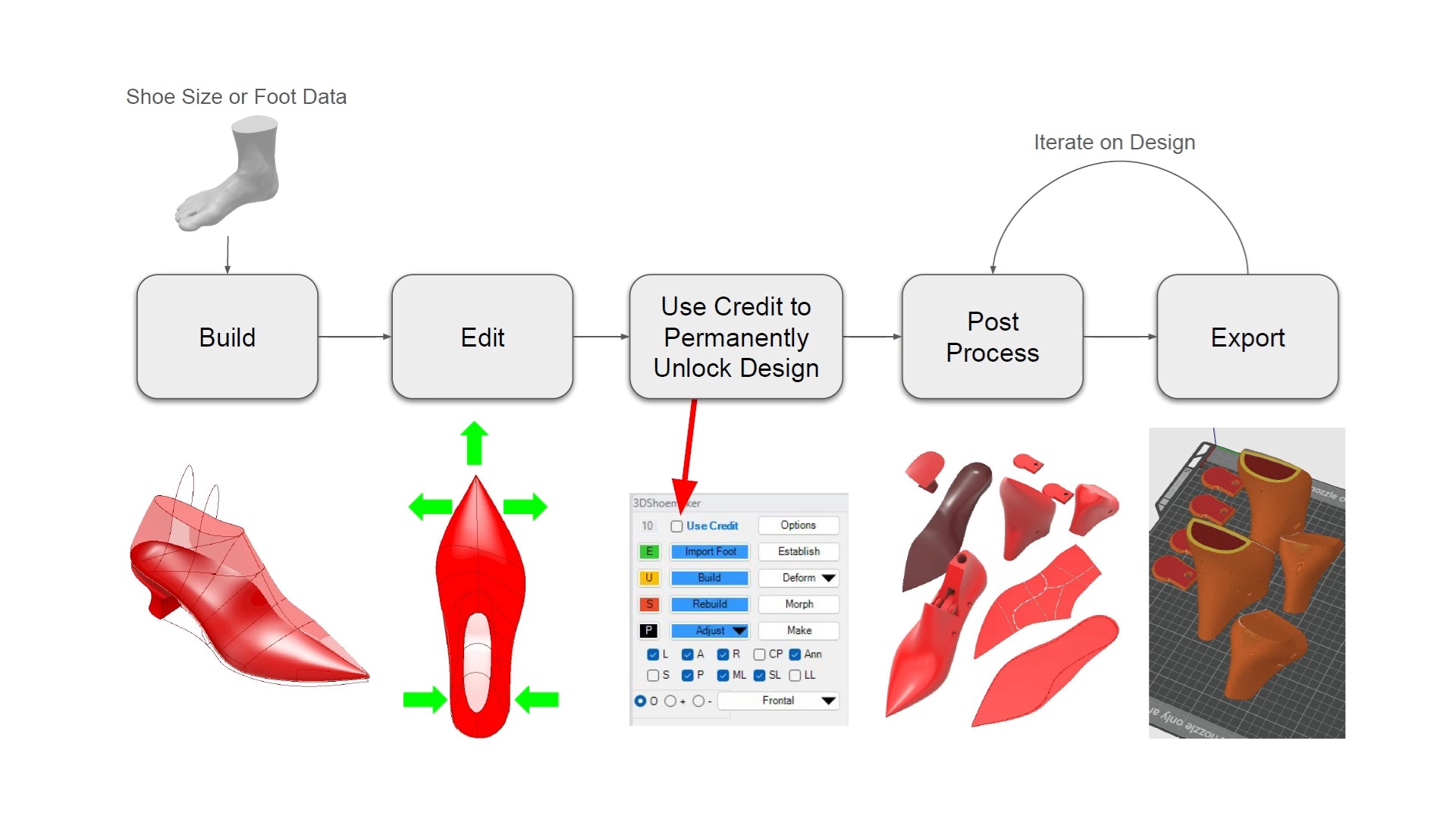
A Credit only needs to be used when you’re ready to post-process or export a design. So you can hone your design before deciding to use a Credit on it. And once the Credit is used, the design is permanently unlocked so you can iterate as much as you want and come back to it any time in the future too. The Personal Edition comes with 10 Credits, which can be replenished on the Options/License tab if necessary.
Let’s do an example. You can start by importing a foot model if you want. Then, with or without one, build your design as usual, optionally populating the template fields. Templates can either be purchased on 3DShoemaker.com or created by editing the default design or modifying existing templates and saving them as new ones. The 3DShoemaker plugin exposes all the options needed to develop any of the templates available on 3DShoemaker.com. So you don’t need to make any additional purchases if you prefer the DIY approach.
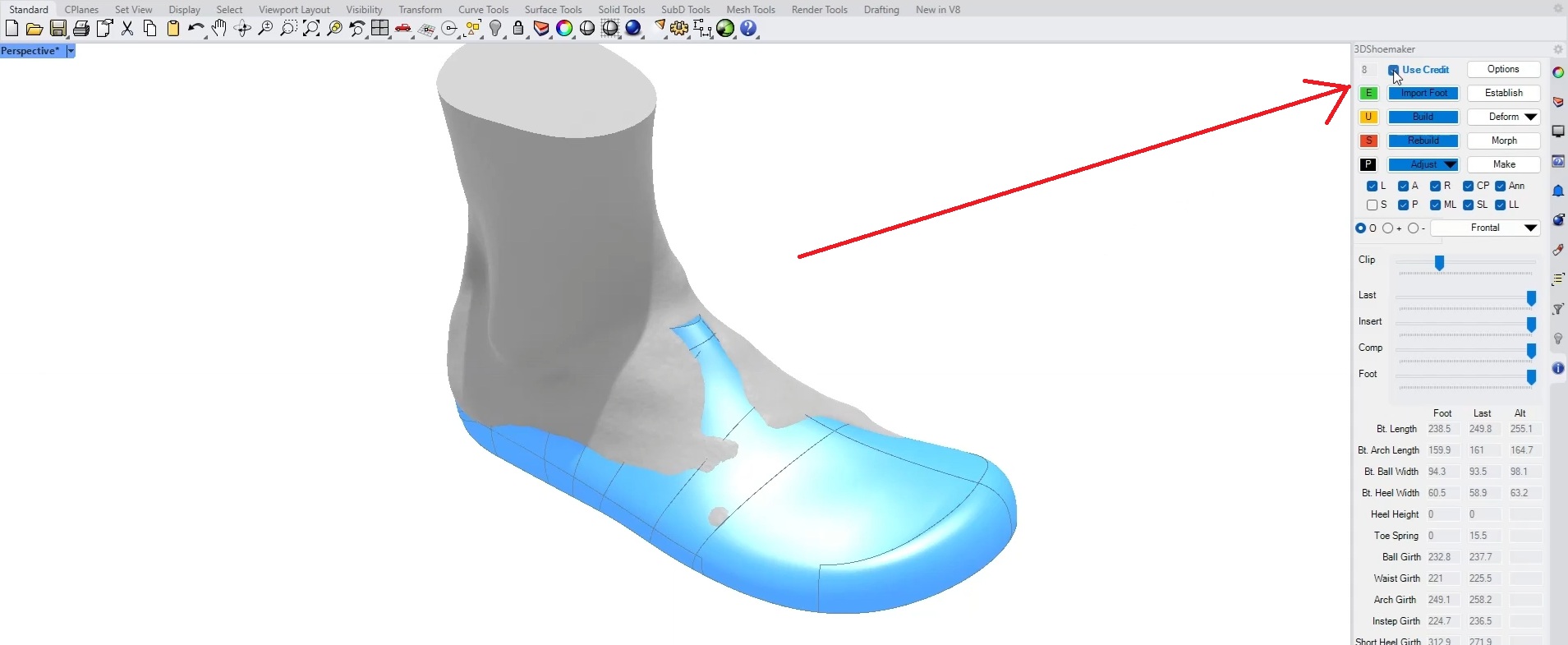
You can then proceed with making edits and adjustments to your design. You’ll notice that Post Processing features and exporting remain unavailable. We’ll need to use a Credit for that, but first I recommend doing a rebuild to make sure everything is running smoothly. Then check the Use Credit box and rebuild the design. That design is now permanently unlocked, even after doing any further editing. I highly recommend saving at this point so you can return to the design at any time in the future. In general, I also recommend using Rhino’s Incremental Save feature to avoid accidentally overwriting your most recent working model.
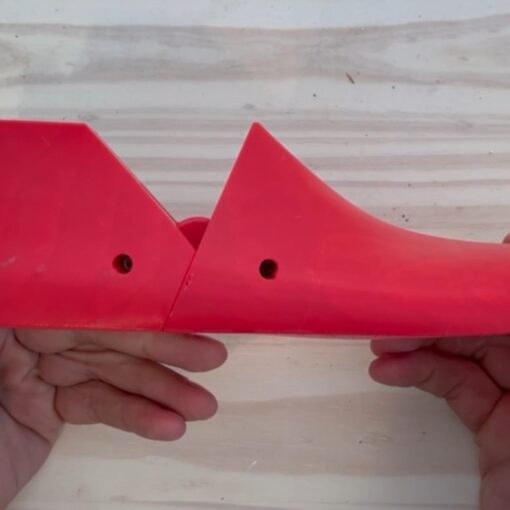
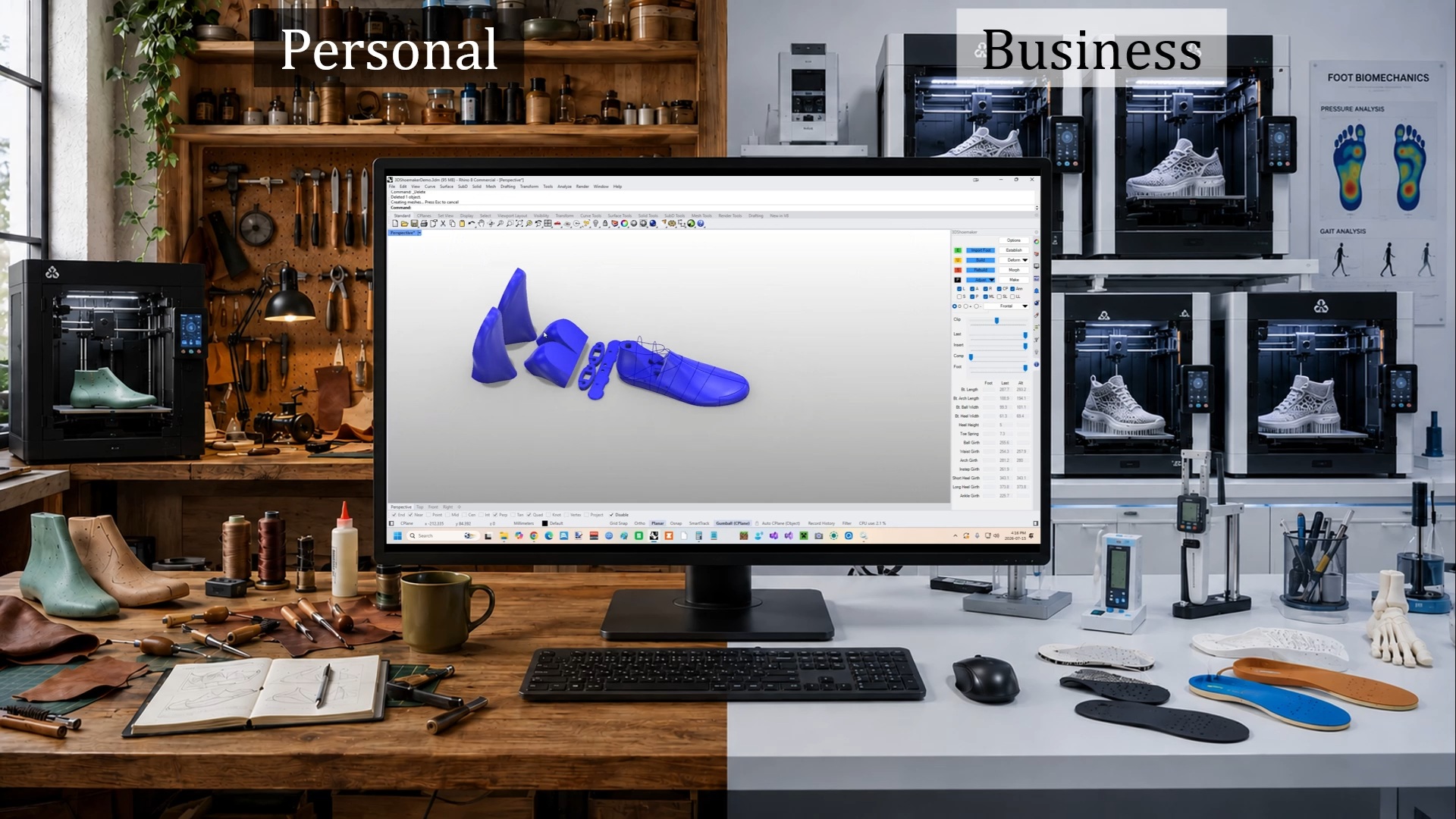
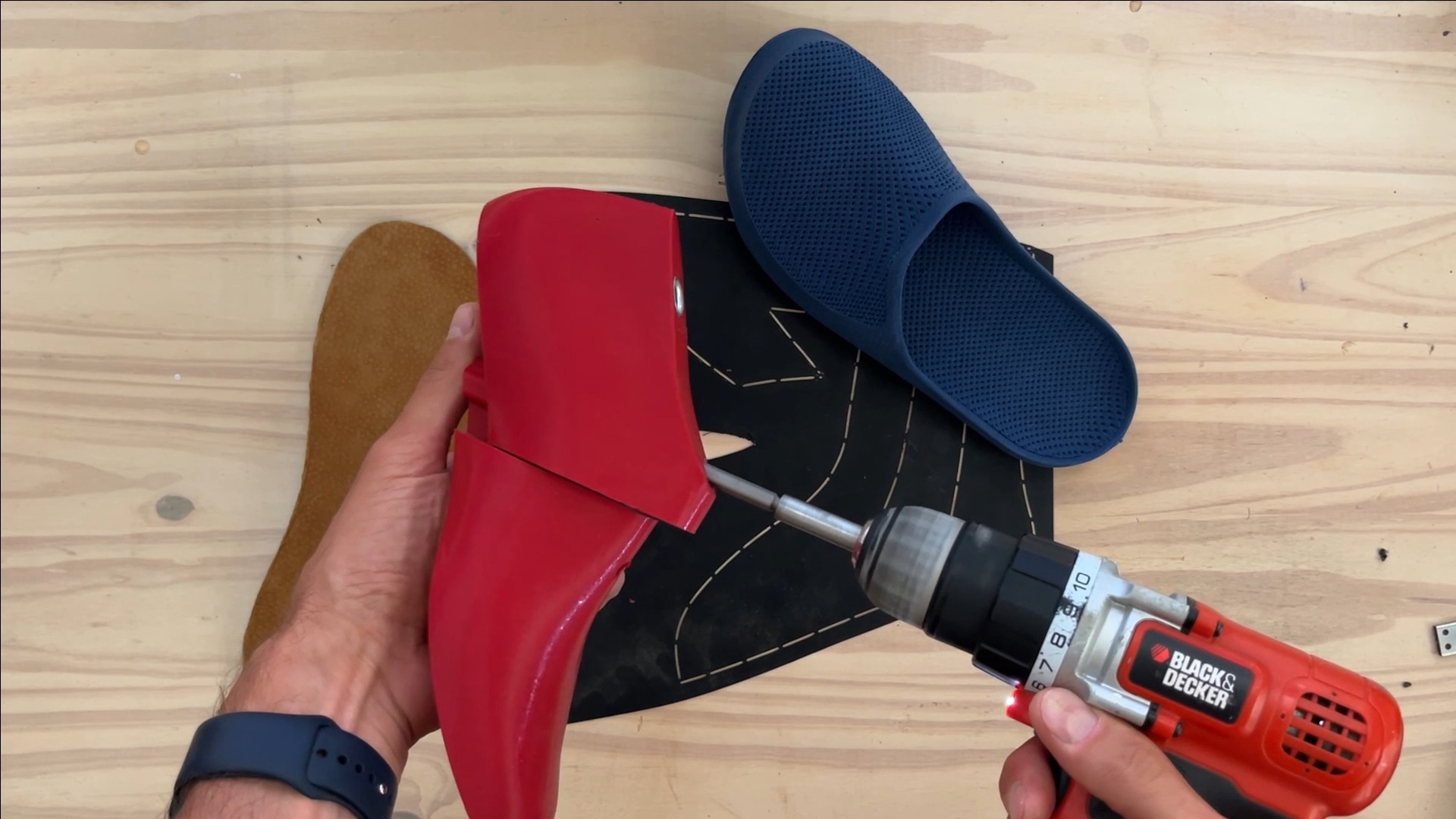
Now that a Credit has been used, all features are available, such as designing 3D printable shoe lasts joints, flattening insoles and patterns, and morphing components and 3D printable shoes from other existing designs.
The Personal Edition is also intended for non-profit use, and support is limited to first-time installation, which helps keep costs down. Of course, all of the YouTube training videos continue to be freely available. You can also upgrade to the Business Edition, which includes full support and unlimited designs, but continues to use a subscription model rather than Credits. Over time, I may also add business-specific features, such as shoe last library management tools.
A perpetual license also fits well with Rhino’s licensing model. If you’re happy using your current version of Rhino, you can continue using it with your Personal 3DShoemaker license without paying ongoing subscription fees. New 3DShoemaker development is focused on the latest version of Rhino, but I aim to maintain compatibility with older and future Rhino versions whenever practical.
To use 3DShoemaker, you’ll of course also need to have a Rhino 3D license, which isn’t cheap. But it is also perpetual, so purchasing both at once should keep you going for years to come. And Rhino is a lot cheaper if you can get your hands on an Educational or used license. One thing I should point out is that there are new releases of Rhino every few years. New 3DShoemaker development is focused on the latest version of Rhino, but I aim to maintain compatibility with older and future Rhino versions whenever practical. If you prefer to get your feet wet before making the leap to 3DShoemaker and Rhino, there are of course plenty of low cost highly customizable models available on 3DShoemker.com you just feed into your slicer and 3D print.
I’m quite pleased with this new Personal Edition. I’d like to thank everyone who shared feedback and suggestions. Your input helped shape a licensing model that I think is a much better fit for hobbyists. Please do keep sharing your input with me, and I’ll keep doing my best to make 3DShoemaker an excellent shoemaking tool.