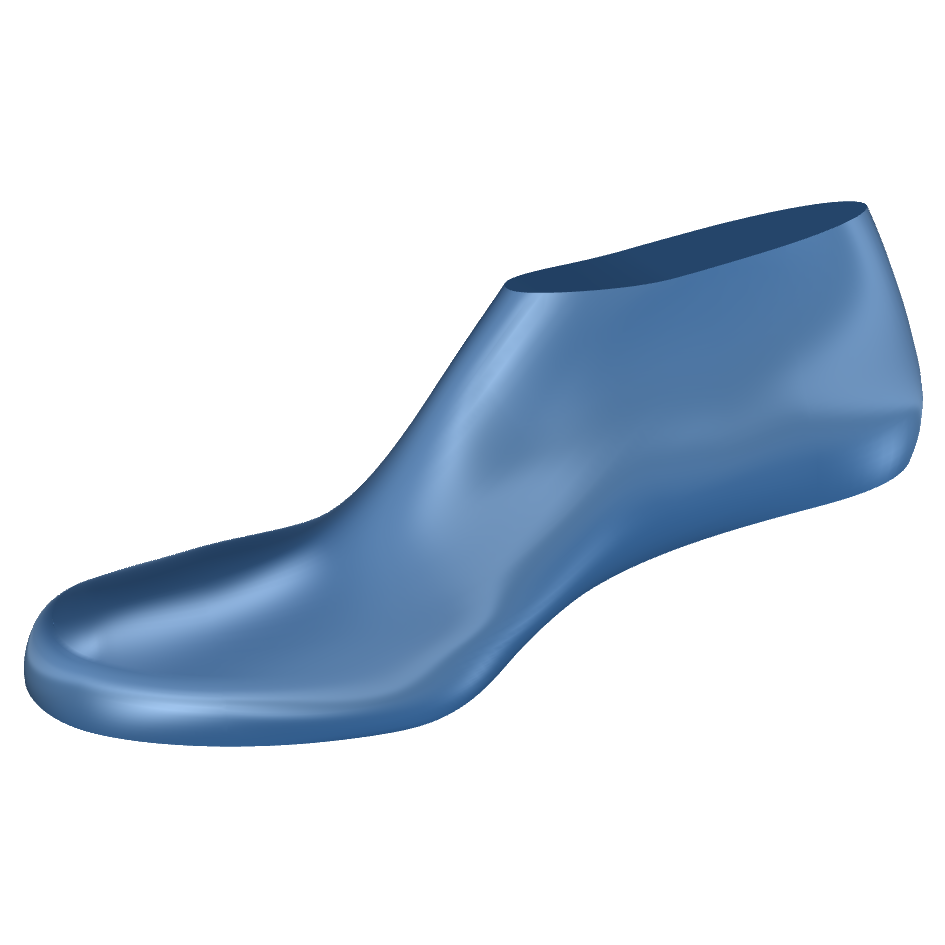
The following content is for informational purposes only. All designs are untested and uncertified for wear or safety. Use at your own risk. See Terms & Conditions.
In options/annotation styles change the model scale space to 1. When creating new documents, always choose the No Template option. Or if that doesn’t work, choose scale small and units mm.